Custom Visibility of Isoconversional Lines
Kinetics Neo Version 3.5 or later.
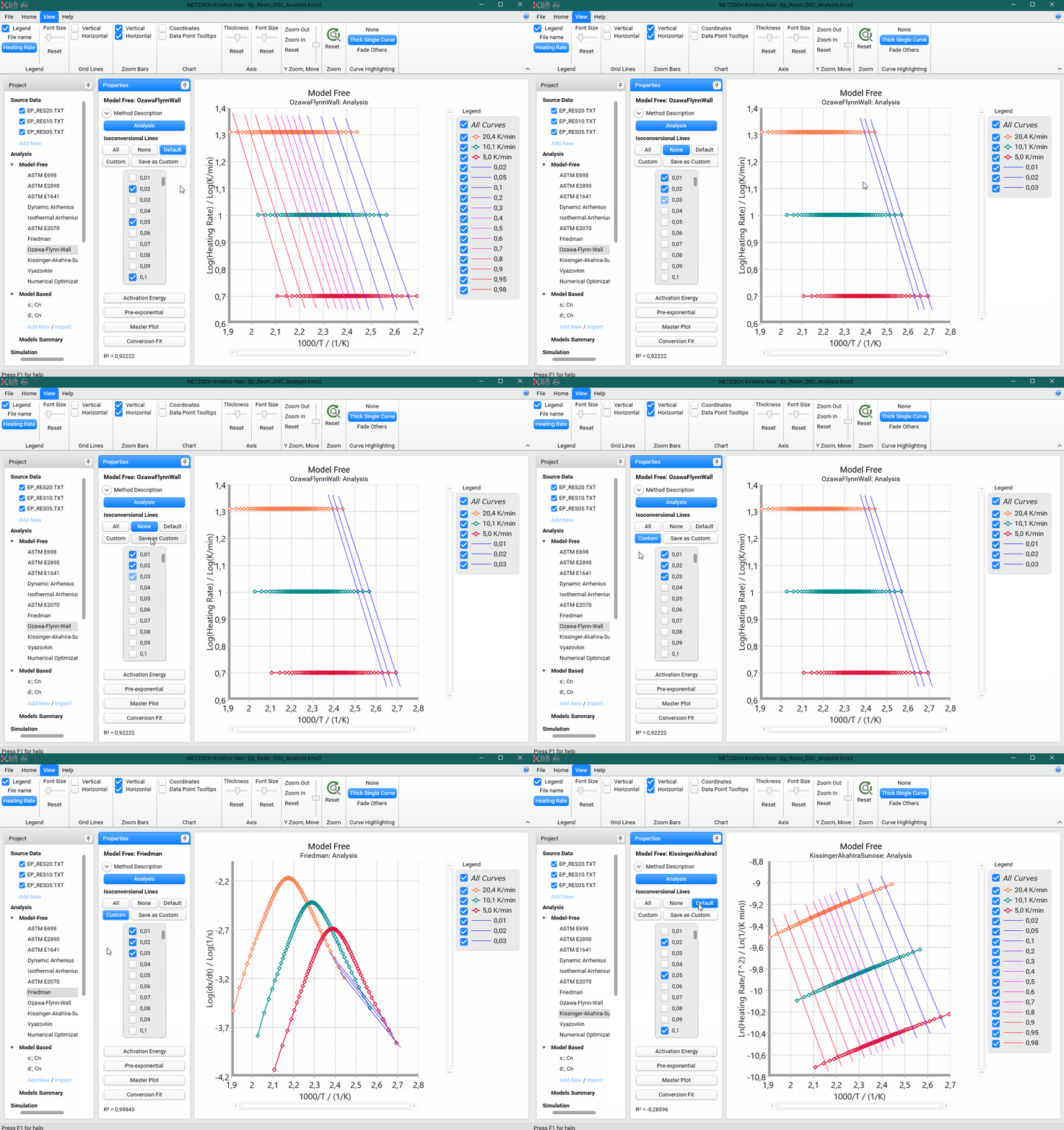
In Model-Free analysis often it is important to set your own visibility of Isoconversional lines, not always All / None / Default. Since version 3.5 of Kinetics Neo it is possible:
1. Select any of visibility settings you want: All / None / Default.
2. Select or unselect any lines you want to create your desired set of visible Isoconversional lines.
3. Click on Save as Custom to save the your visibility set. Custom option will be set automatically.
4. Now you can easily switch between all visibility presets including your own Custom set: